Registration Via your Organization
- Go to your Amesite environment URL.
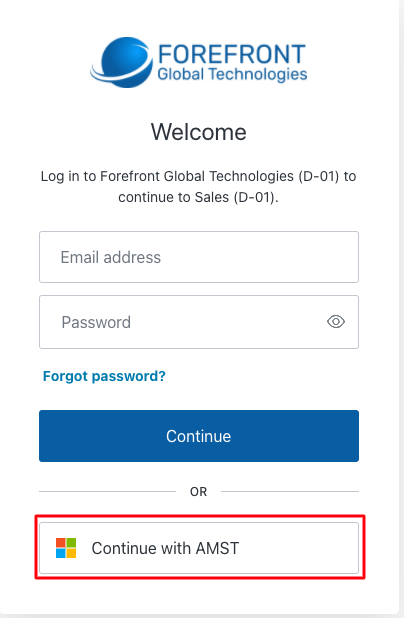
- Click the Enterprise Identity login button. This button will read Continue with followed by the company abbreviation. For example, for Amesite this would be 'Continue with AMST.'
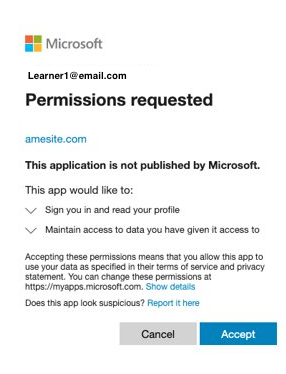
- Sign in with your Enterprise Identity employer account.
- Read and accept the terms and conditions.
To register for the Amesite Learning Community Environment: