
Notification Settings
Can I change my settings so that I only receive email notifications?
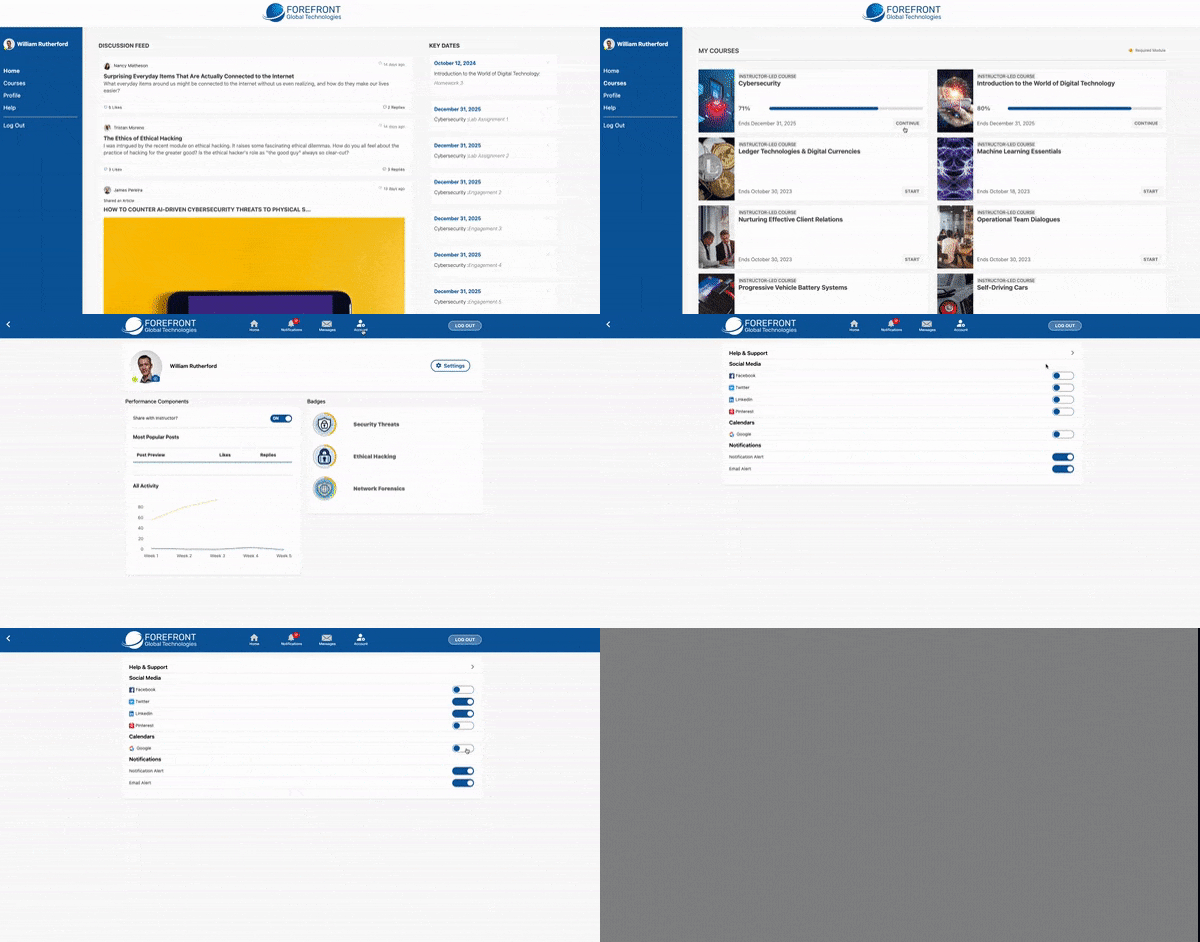
To Toggle your Settings:
- Choose a course.
- Click Account in the top menu bar.
- Click Settings.
- Toggle the settings on or off.
Social Media: Toggle these settings to share badges and certificates to your social media accounts.
Calendars: Sync important dates to your external calendar (Outlook coming soon!)
Notifications: Toggle your email and platform alerts.
I got an email about syncing a quiz to my calendar. How do I do that?
To Add an Assessment to your Calendar:
- Make sure your calendar and notification alerts settings are turned on.
- Click Notifications in the top menu bar.
- Find the assessment you want to add to your calendar and click Calendar.
- Sign in to Google in the new tab that opens. Choose an account and allow access.
- The reminder will be added to your calendar.

